
HOW TO DOWNLOAD APP
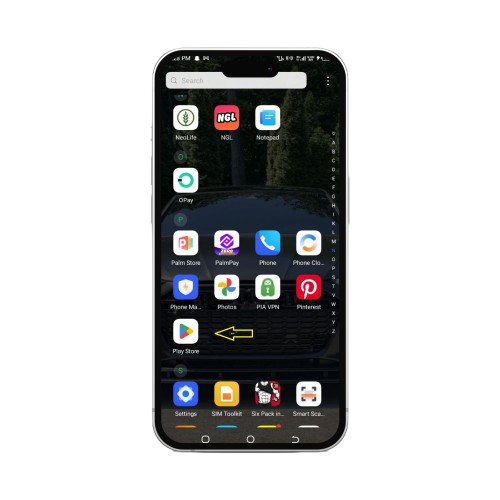
Open the Play Store
Find the Play Store app icon on your device’s home screen or in the app drawer. Tap to open it. If it’s your first time, you may need to accept the terms of service.
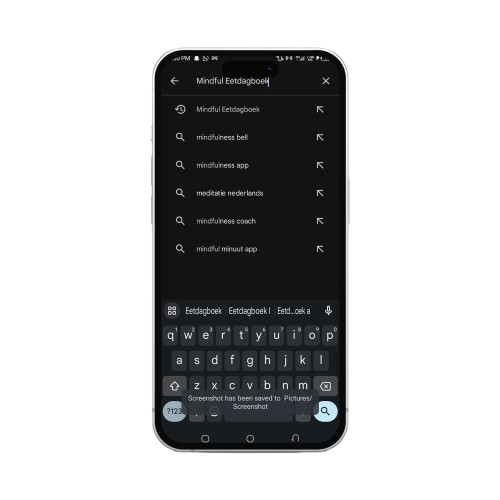
Search for the App
Use the search bar at the top of the screen. You can enter the app name directly or type keywords related to the app’s function.
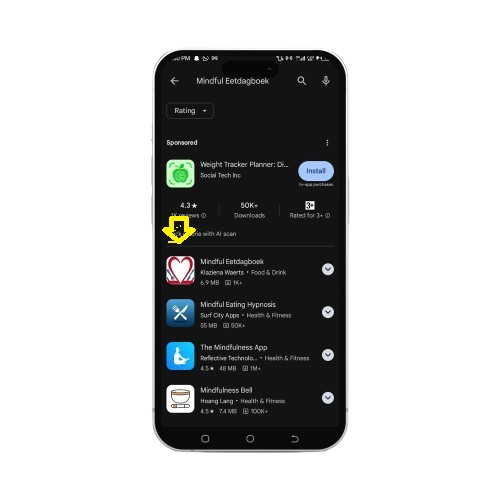
Select the App
Browse through the search results to find the Mindful Eetatdagboek app. Ensure you verify the app by checking the developer’s name and icon to confirm it’s the correct one
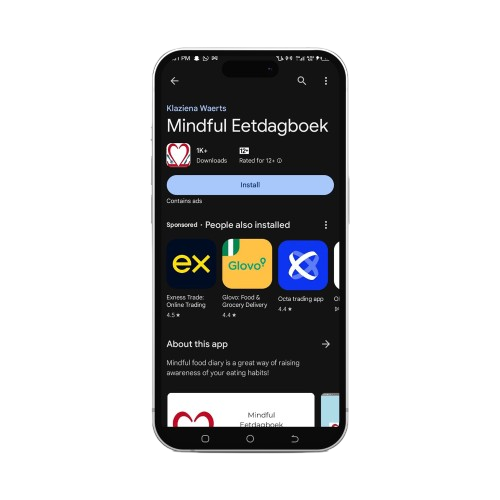
Install the App
On the app page, tap the “Install” button. The app will start downloading and installing automatically. You may see a list of permissions—review and tap “Accept” to proceed.
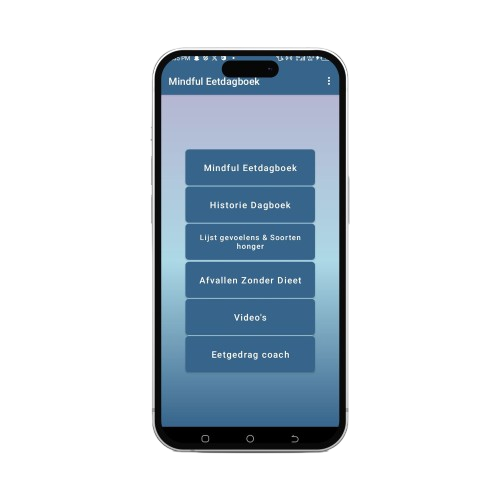
Open the App
After installation, tap the “Open” button or find the app icon in your app drawer/home screen to launch it. Follow any initial setup instructions to get started.